

Gemini’s Nano Banana: From Hype to Hands-On Exploration
Why designers everywhere are testing Gemini’s Nano Banana—and how you can turn the hype into a practical tool for faster, consistent design.


Everywhere you look on Instagram right now, designers are showing off their experiments with Gemini’s “Nano Banana” (officially Gemini 2.5 Flash Image). The hype is loud, but beneath it lies a genuine leap in how image generation itself has evolved. We’ve moved from static renders, to selective region edits, to conversational controls—and now into a stage where edits feel less like commands and more like an ongoing dialogue with your own work.
Stay and read along if you want to cut through the noise. This guide unpacks what Nano Banana really does, how it can be used, and why it is relevant to architects, interior designers, fashion creators, and product thinkers who want to move faster without sacrificing intent.
How It Works
Nano Banana is not another filter or one-click fix. It is a next-generation editing engine inside the Gemini suite, built for natural language interaction with images. The defining quality is context retention: every instruction builds on the last, preserving consistency instead of resetting the canvas.
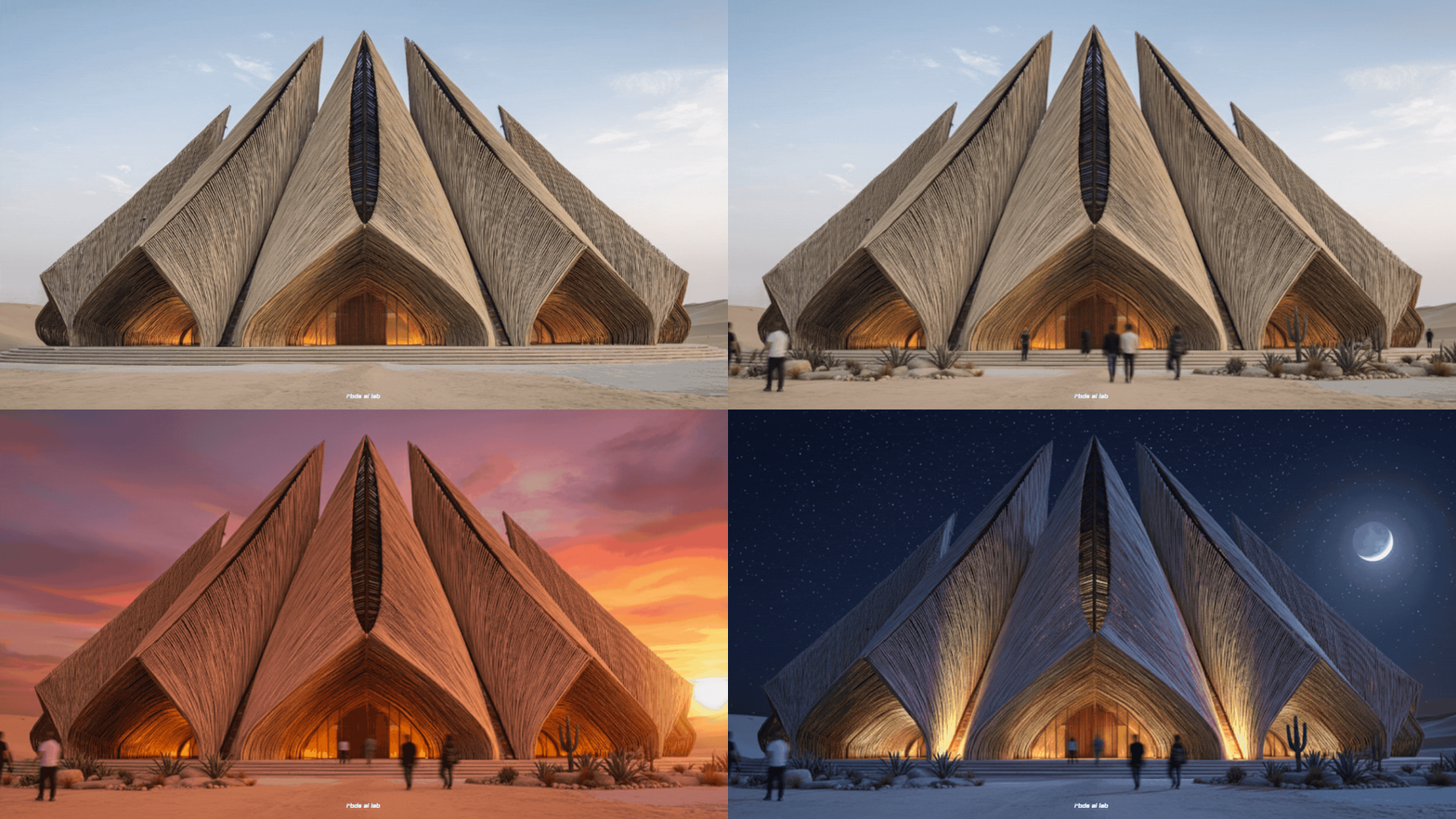
Its key abilities:
Consistency across edits: People, furniture, or products retain their identity no matter how many times you refine them.
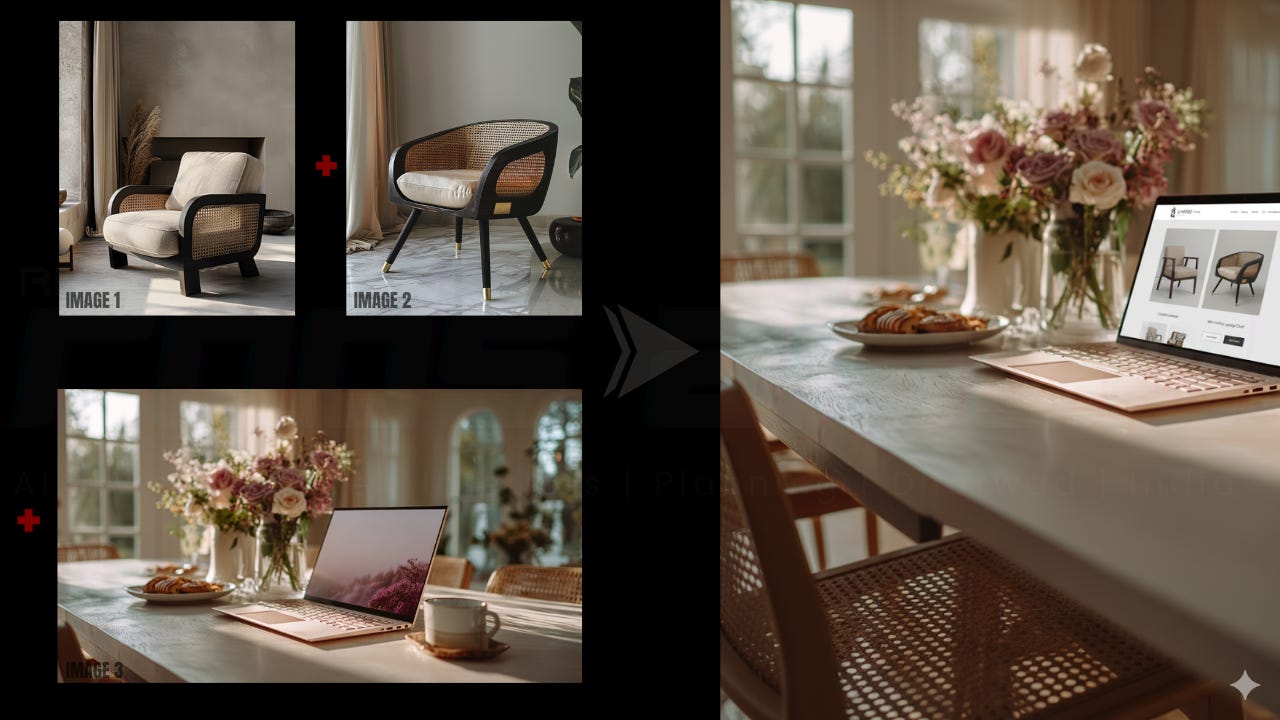
Multi-image fusion: Two or more inputs can be merged into one seamless composition.
Prompt-based precision: Specific changes—textures, lighting, objects—can be applied without disturbing the rest of the scene.
Iterative conversation: Edits accumulate like steps in a dialogue, rather than a string of isolated commands.
Semantic awareness: The model interprets prompts with real-world understanding, not just pixel-level guesses.
Cost and Access
Getting started requires no complicated setup:
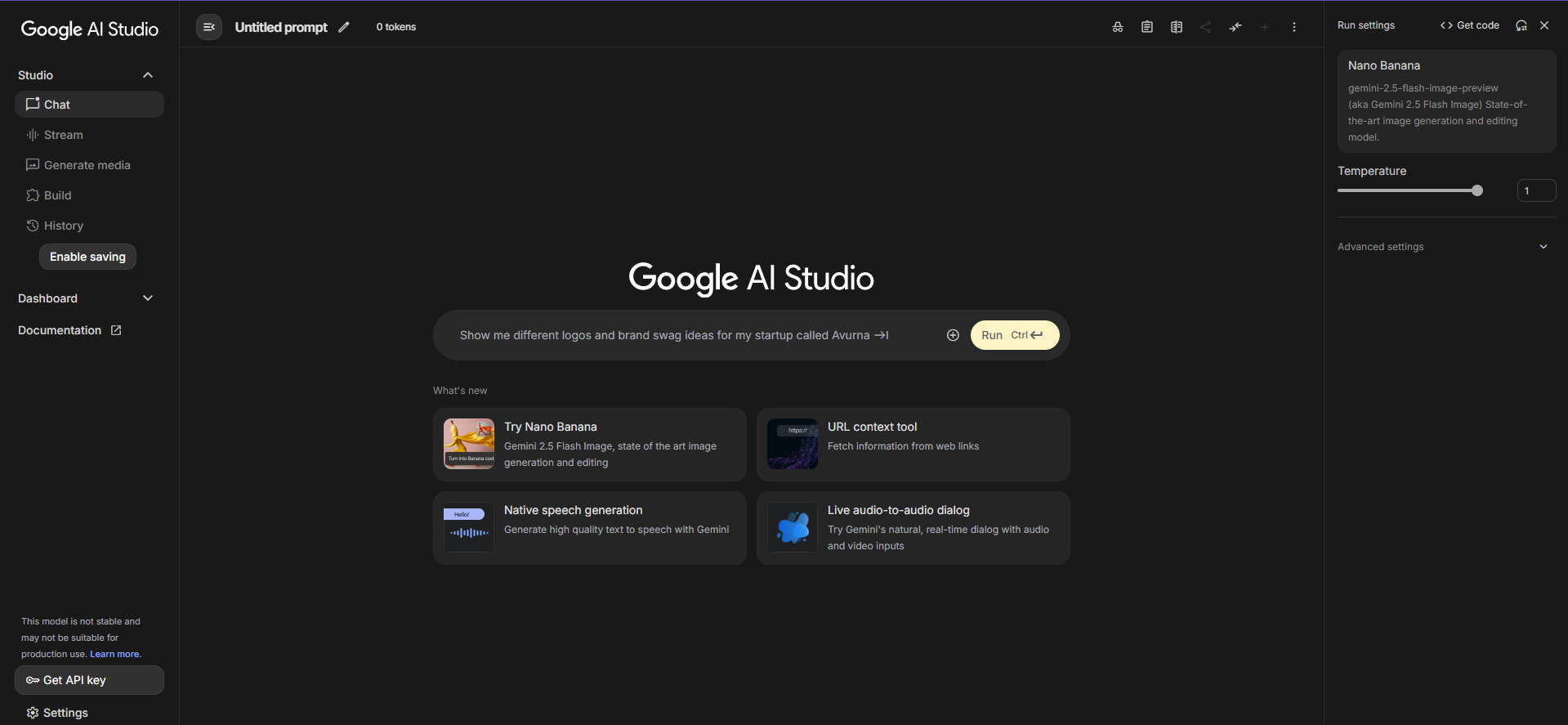
Gemini app: Free to use with unlimited access. Every image carries a visible watermark.
AI Studio: Token-based pricing at about $0.039 per image, with free tiers and trial credits available.
For most designers, the free in-app version is more than enough to begin experimenting before scaling further.
Imagine the Possibilities
The value of Nano Banana is not in producing polished final renders. It is in closing the gap between intention and visualisation.
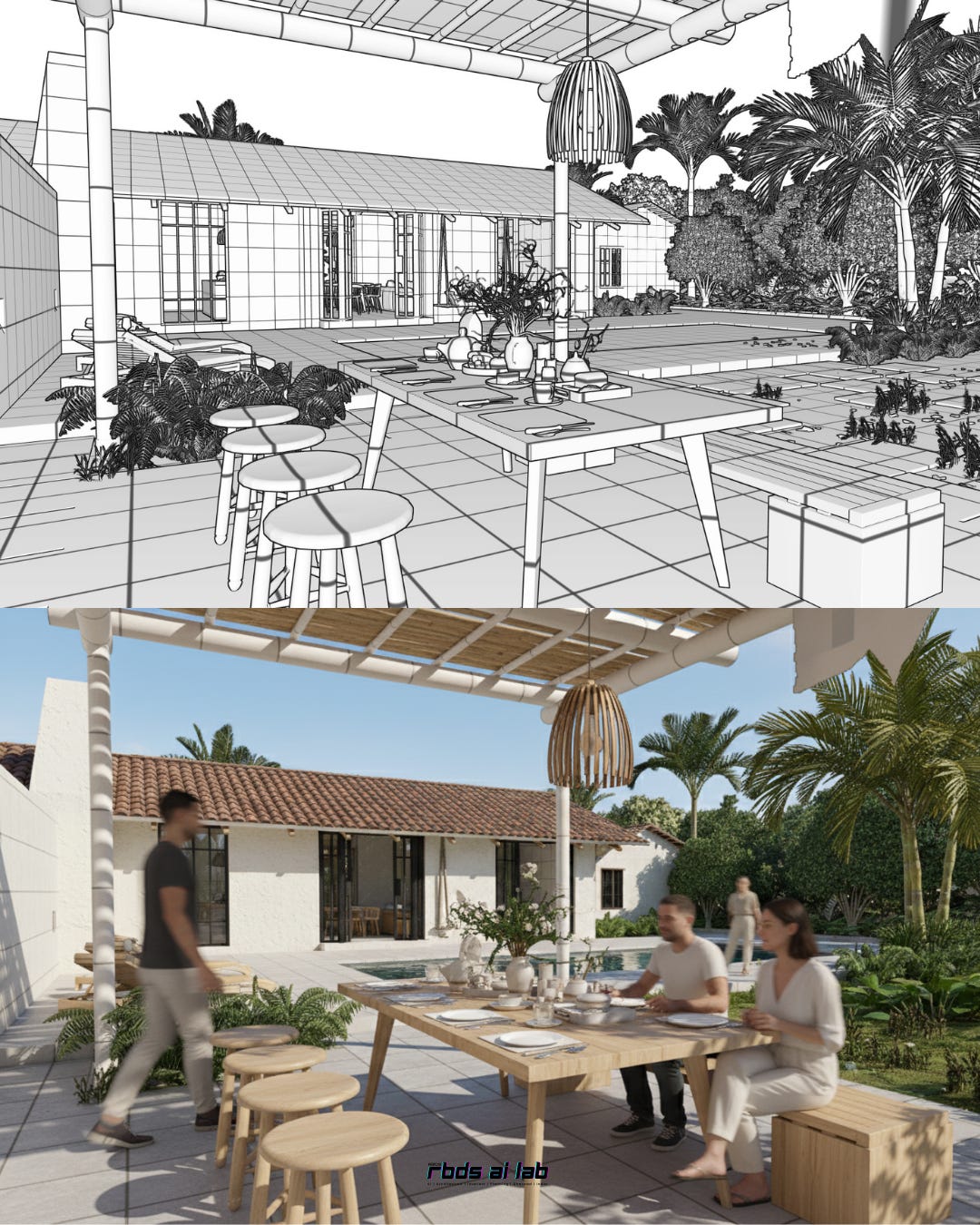
Spaces that shift in response to words, not hours of re-rendering.
Prototypes re-colored, re-shaped, or re-styled without rebuilding them from scratch.
Visual identities extended consistently across storyboards, campaigns, and presentations.
It is not about perfect outputs. It is about speed, coherence, and unlocking more iterations before committing to one.
Try It Now
The tool only makes sense once you experience it. Open the Gemini app, upload an image, and type a short prompt. Each instruction is remembered, and each edit stacks onto the last. What begins as a simple tweak quickly feels like a conversation with your design.
Bookmark this manual as you test. And subscribe to the newsletter for weekly prompt recipes, design experiments, and behind-the-scenes workflows that expand what you can do with tools like this.
Where Designers Benefit Most
Here’s where Nano Banana becomes relevant to specific practices:
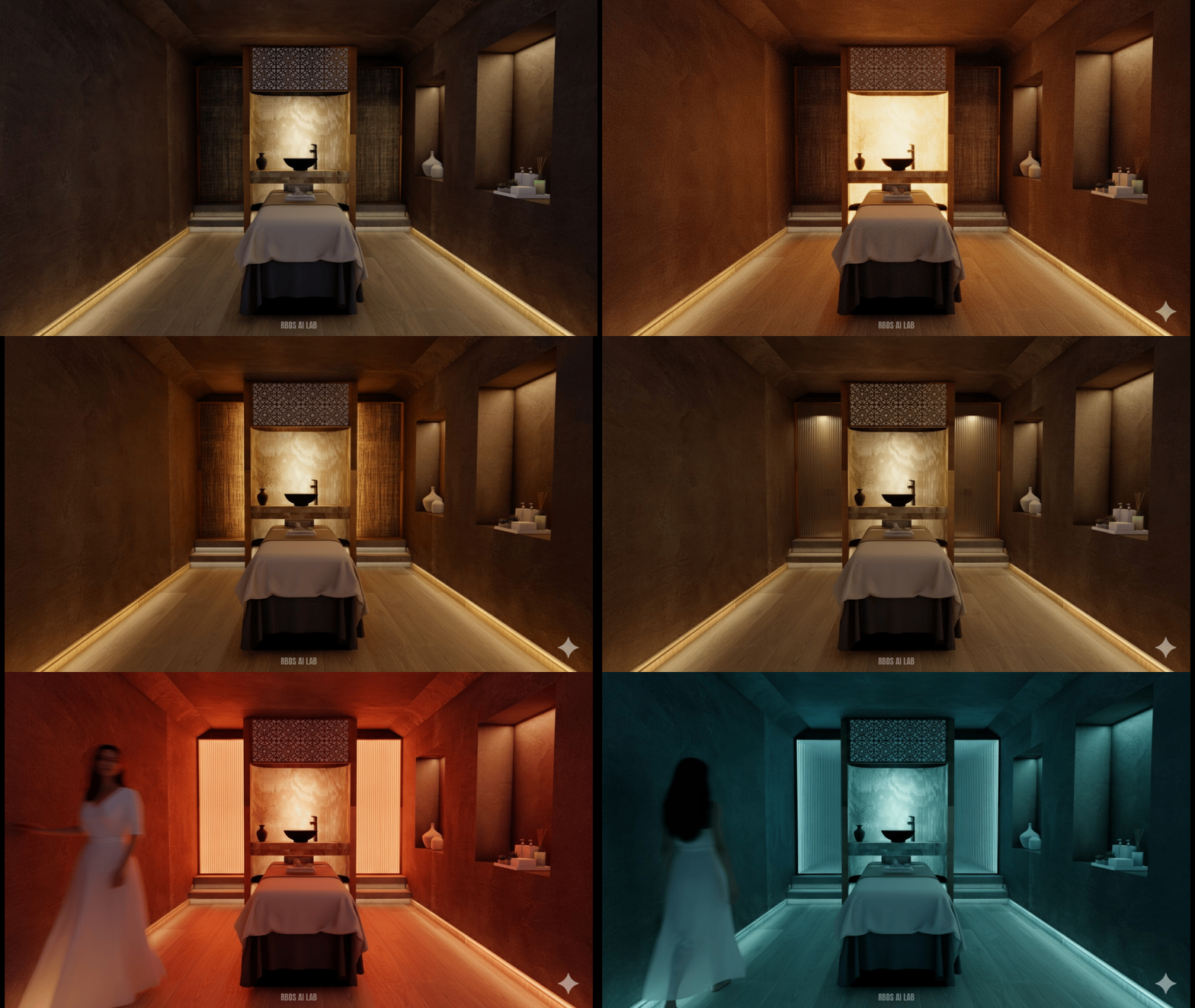
Architecture & Interiors: Swap furniture, test lighting conditions, or apply finishes on the fly—ideal for client dialogues and design reviews.
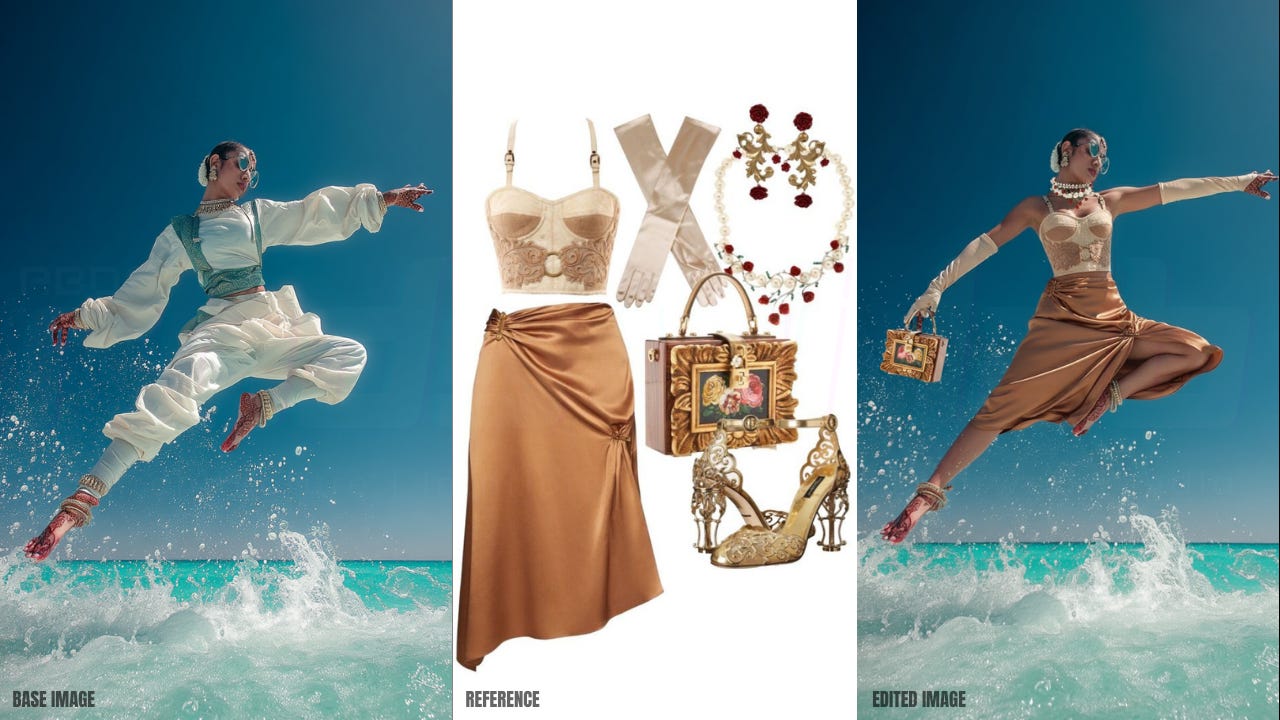
Fashion: Restyle outfits, overlay textile patterns, or refine looks while keeping the model consistent across shots.
Product Design: Adjust finishes, colours, or staging for lifestyle imagery—without running multiple shoots.
Brand Communication: Ensure campaigns, mockups, and storyboards remain visually coherent, avoiding the drift common with earlier AI tools.
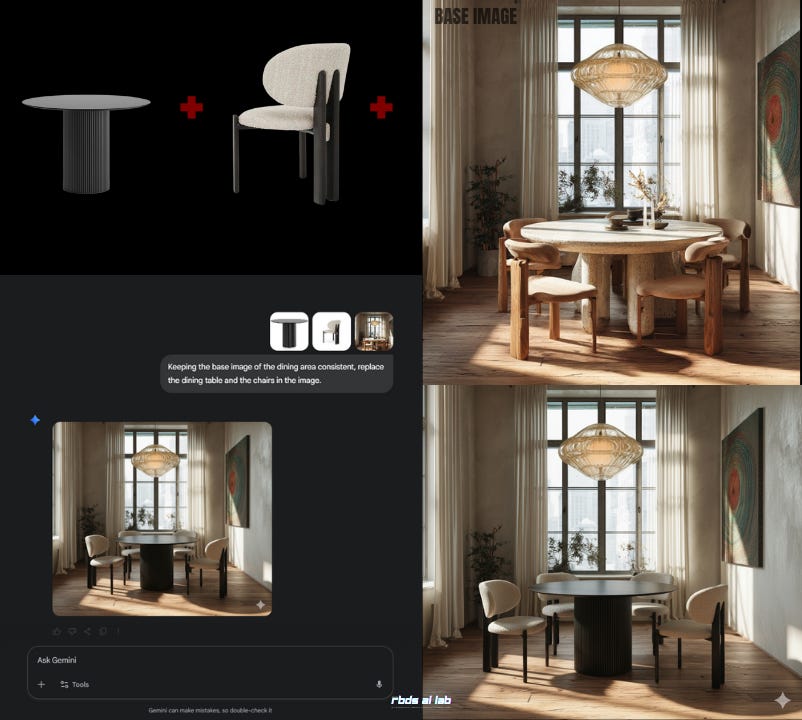
This is not about replacing full design workflows. It is about compressing cycles of trial and error into minutes of conversational refinement.
Nano Banana rewards those who dive in early, while the ink is still fresh. It carries its own boundaries—watermarks remind us this is a shared frontier, not an unregulated space—but within those boundaries lies a rare opportunity: a free, accessible entry point into AI-driven design that respects continuity.
Use it to accelerate the messy, iterative phase of creation. Let it clear the clutter between idea and execution. And if you want to keep extending your toolkit with guides like this, subscribe. The next experiment might not just save you time—it might reshape how you design.
Do you remember the other editing tool? Or have you forgotten it after Google broke the internet with Nano Banana? Black Forest Labs introduced one of the first highly coherent editing models called Kontext (It broke the internet too, when it had arrived. So, you get the picture?). Kontext is still pretty good at handling certain kind of edits. Revisit our in-depth article about Kontext here:
Kontext: New Tool Alert-The Easiest Way to Tweak Your Designs

Let’s start with a familiar frustration. You’ve rendered a concept image of your project - say, a lobby, a façade, or a product display, and a client wants a tiny tweak: "Could we see it with terrazz…
I’m Sahil Tanveer of the RBDS AI Lab, where we explore the evolving intersection of AI and Architecture through design practice, research, and public dialogue. If today’s post sparked your curiosity, here’s where you can dive deeper:
Read my book – Delirious Architecture: Midjourney for Architects, a 330-page exploration of AI’s role in design → Get it here
Join the conversation – Our WhatsApp Channel AI in Architecture shares mind-bending updates on AI’s impact on design → Follow here
Learn with us – Weekly AI tips, speculative architecture insights, and more via our Newsletter
Explore free resources – Setup guides, tools, and experiments on our Gumroad
Watch & listen – Our YouTube channel blends education with architectural art
Discover RBDS AI Lab – Visit our website
Speaking & events – I speak at conferences and universities across India and beyond. Past talks here
📩 Enquiries: sahil@rbdsailab.com | Instagram